
Get started: register, sign in and verify
Welcome to Prestige Spin. Register to access casino games, sports bets, payments, and your account tools.
The sign up process is quick, and login lets you play, place bets, and manage deposits and withdrawals.
Account verification adds security, protects your balance, and is required for payouts in the United Kingdom.
You get the same experience on the website and the mobile app, and support is ready to help. New users can claim a 200% first deposit from 20 EUR (x45), 125% second from 150 EUR (x45), and 150% third from 300 EUR (x45).
Welcome Package up to 475%
How to sign up online
Creating your account takes a minute. Follow these steps for Prestige Spin registration.
Click the button below
Open the registration form on this site.
Choose a method
Email, mobile number, or social sign in (if shown).
Add your details
Full name, date of birth, UK address, email/mobile, and a strong password. Confirm you are 18+ and accept the terms.
Verify contact
Enter the code sent by email or SMS.
Set preferences
Choose limits and marketing options, then finish sign up.
Register on the mobile app
The app sign up mirrors the website, but the layout is optimised for your phone. Use the app to complete Prestige Spin sign up.
Open the app
Tap Join/Sign up on the home screen.
Pick a method
Email, mobile number, or social sign in (if available).
Enter details
Name, date of birth, UK address, contact, and a password. Confirm 18+ and accept the terms.
Confirm contact
Enter the email/SMS code in the app.
Enable biometrics
Turn on Face ID/Touch ID for faster access (optional).
Registration requirements for UK players
You must meet UK standards to create an account. Use your real name and current UK address. Your identity may be checked during or after sign up. Payment methods must be in your name. Data is handled under applicable privacy rules.
- Age: You must be 18 or over to register and gamble in the United Kingdom.
- Identity and address: Be ready to provide photo ID and recent address proof when asked.
- One account per person: Do not create multiple accounts or share access.
- Location and details: Register from the UK and enter accurate personal information that matches your documents.
- Payments: Only use methods in your name. Credit cards are not accepted for UK gambling.
KYC: account verification steps
Verification confirms who you are and keeps gambling safer in the UK. It enables deposits, withdrawals, and protects your account. Follow these stages for Prestige Spin account verification.
Identity check
Upload a valid passport or UK driving licence (clear colour image, full page).
Address check
Provide a recent utility bill, bank statement, or council letter dated in the last 3 months.
Payment method check
Show proof that the debit card, e‑wallet, or bank account is yours (no credit cards for the UK).
Source of funds (if requested)
Submit payslips, bank statements, or other evidence of affordability.
Review and confirmation
Wait for approval. You will get an email or in‑app message when withdrawals are enabled.
Sign in to your account
Use your credentials to access games, bets, and payments. Prestige Spin login supports email, mobile, and social sign in where available.
Go to the Login page
Open the Login page from this site.
Enter your details
Enter email or mobile and your password, or choose a social sign in option.
Complete 2FA
Complete two‑factor authentication if enabled.
Select Sign in
Select Sign in to open your account dashboard.
Welcome bonus after you register
You can get a multi-step welcome package for casino and sports. The structure is the same across both, unless stated otherwise. Use Prestige Spin register online to be eligible.
- First deposit: 200% bonus; minimum deposit 20 EUR; wagering x45.
- Second deposit: 125% bonus; minimum deposit 150 EUR; wagering x45.
- Third deposit: 150% bonus; minimum deposit 300 EUR; wagering x45.
Always check bonus terms, time limits, game weighting, and max bet rules before playing.
How to claim your welcome bonus
Claiming your offer is simple. Here is the process from deposit to play.
Register and sign in
Create your account and access the cashier.
Choose the offer
Pick the welcome bonus in the deposit screen.
Make a qualifying deposit
Meet the minimum amount shown for each step.
Play and complete wagering
Track progress in your bonus wallet.
Common registration issues and fixes
Problems can occur during sign up. Here are quick fixes and when to contact support.
- Email not received: Check spam, request a new link, then contact live chat if nothing arrives in 15 minutes.
- Address mismatch: Confirm UK postcode format and upload a recent bill; contact support if the check still fails.
- Document rejected: Use a clear colour image, no cropping, all corners visible; ask support for accepted formats.
- Account already exists: Use password recovery; contact support to review duplicates.
- Age/identity still pending: Wait for the queue to clear; contact support for an update if it exceeds 24 hours.
Reset a forgotten password
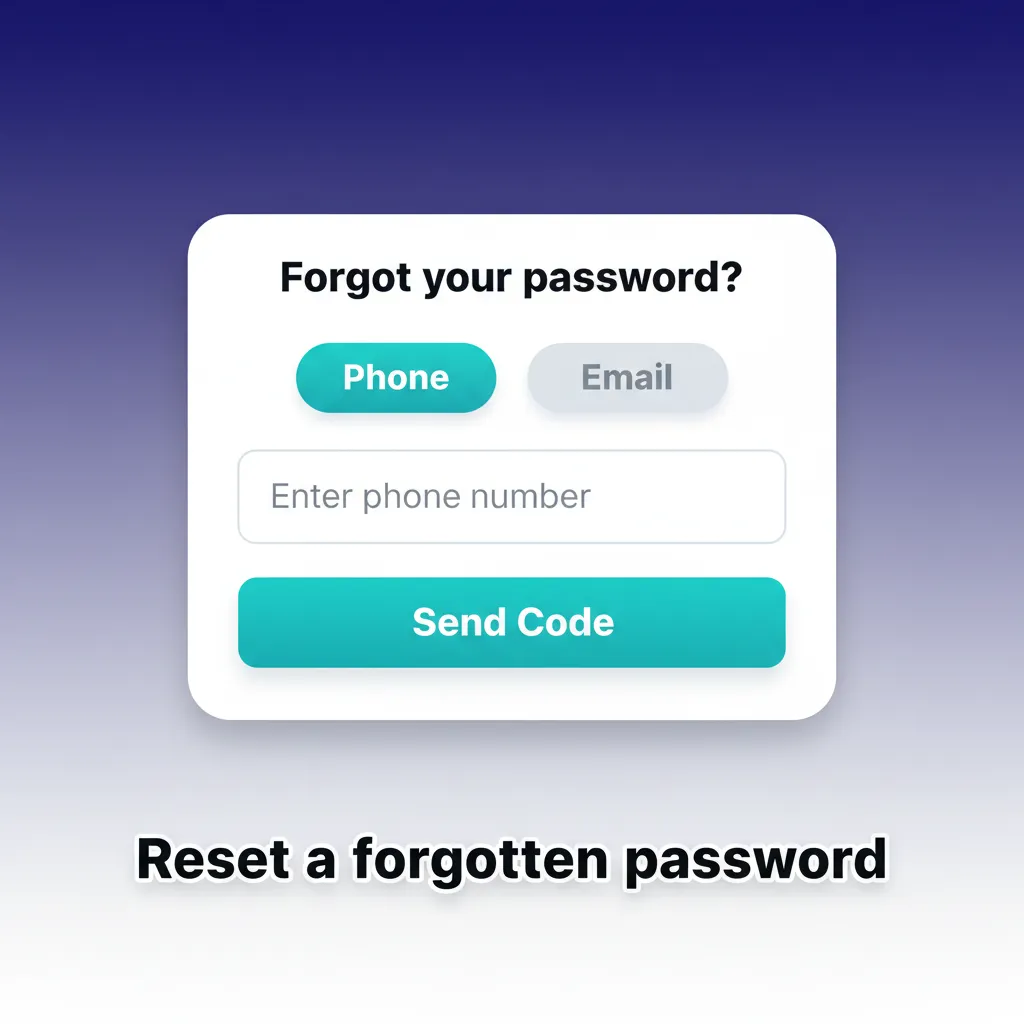
You can reset your password online. Choose email or SMS, then set a new one.
- Open Forgot password on the login page.
- Select email or SMS recovery and enter your details.
- Enter the code or follow the link you receive.
- Create a new strong password and save changes.
- If you cannot access email or phone, contact live chat for help.
Delete your account if needed

You may close your account for budgeting, a break from gambling, or personal reasons. You can also choose time-out or self-exclusion.
- Settle your balance: Withdraw funds and cancel open bets if required.
- Contact support: Request permanent closure and state the reason.
- Confirm identity: Provide verification if asked to process the request.
- Receive confirmation: You will get an email once the account is closed.
FAQ
Can you browse games before registration?
You can explore the lobby. Some demos may be available, but deposits require an account.
Is the mobile app available on iOS and Android?
Yes. Download from the links on this site or follow the in-app guide.
What payment methods can UK players use?
Debit cards, selected e-wallets, and bank transfer are supported. Credit cards are not allowed for UK gambling.
How long do withdrawals take after approval?
E-wallets can arrive the same day. Bank withdrawals usually take 1–3 working days.
Can you set deposit limits and time-outs?
Yes. Open Account settings to set limits, reality checks, or self-exclude. GamStop is supported for UK self-exclusion.
Updated: